Administrative Units for Microsoft 365 Services
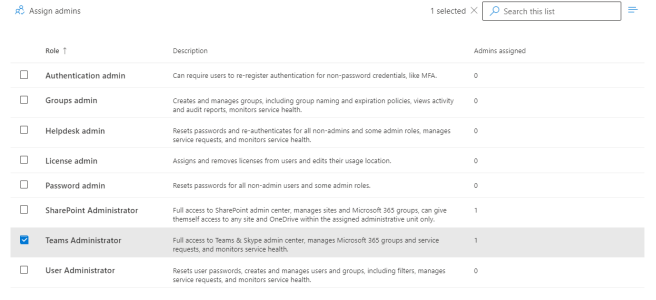
"If I had a penny, for every time someone asked me for this, I would be a very rich person" Many cultures have similar sayings, but when it comes to being able to assign a Microsoft 365 admin role based on organisational units, it is certainly true for me.  Indeed one customer asked me this … Continue reading Administrative Units for Microsoft 365 Services
Did you miss all those announcements and blogs at Ignite November 2021?

The announcement firehose at the start of an event means can be overwhelming to find the details. Here are my favorite information sources for #MSIgnite

Retention for Microsoft Teams

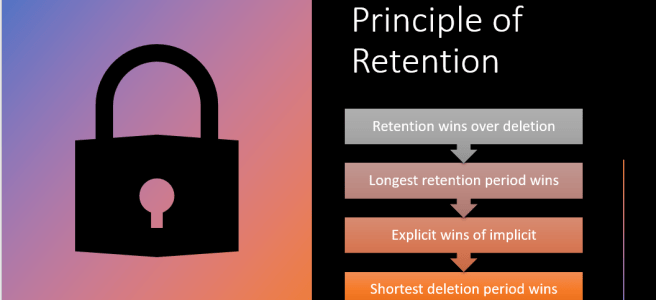
This post was originally posted https://www.leadershipthroughdata.co.uk/latest-news/retention-for-microsoft-teams-messaging/ In May 2021 Microsoft published a blog announcing Multi-stage disposition approval in Microsoft Records Management in Microsoft 365 as well as some other really nice enhancements to the Information Governance and Records Management tools.  This is the second blog post in a series looking at the new features. Post … Continue reading Retention for Microsoft Teams

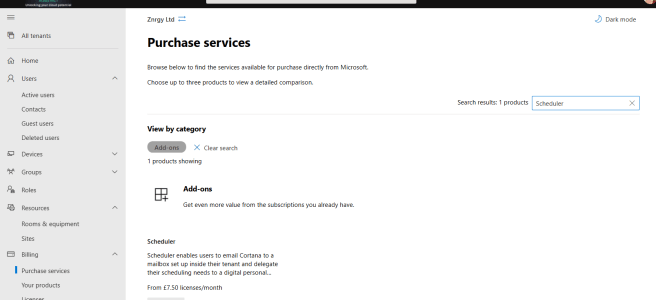
Scheduler for Microsoft 365

Scheduler is an intelligent meeting scheduling service which sits on top of Office 365 and uses AI to help find suitable meeting times.  The process is quite similar to what we as humans do when we try to agree a time to meet and can be summarised as: Agree that a meeting is neededSuggest a … Continue reading Scheduler for Microsoft 365

MS-700 – Microsoft Teams Administrator Associate

Last Updated 5th May 2022 MS-700 Overview & My Tips MS-700 or Microsoft Teams Administrator Associate is the certification for Teams Administrators.  As a Teams Administrator you do need to have a good grounding in all things Microsoft 365 as Teams is the tool that pulls it all together and exposes any weaknesses in your … Continue reading MS-700 – Microsoft Teams Administrator Associate

Out of Office Automatic Replies

Did you know there are many options for setting your out of office or automatic replies in #Office365 including from #MicrosoftTeams

Creating Custom Timers

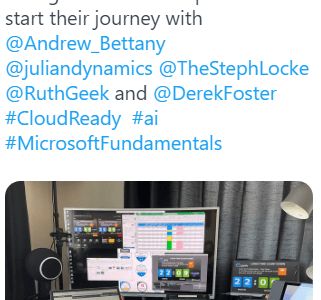
A recent tweet and LinkedIn post attracted a lot of attention,  due to the lunch timer running in the background. As a result I promised a blog post on how I built is, so here it is. This is what we are aiming for, this is the timer used in the original tweet running in … Continue reading Creating Custom Timers

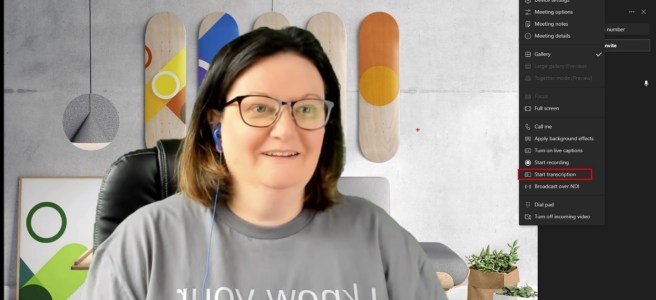
Meeting Transcription in Microsoft Teams

There are two ways of displaying in text format what is said during a Microsoft Teams Meeting; Live Captions and Transcript.  Live captions are shown on screen (usually at the bottom of the meeting screen) and disappear as new captions are generated.  Live captions are visible only to users who switch them on. Live Captions can … Continue reading Meeting Transcription in Microsoft Teams

My Favourite Virtual Background Sources

Apart from creating my own backgrounds in PowerPoint which I covered in an earlier post, these are my personal favourite sources for background images for virtual meetings. Ikea https://backgroundsbyikea.com/ Microsoft  https://adoption.microsoft.com/microsoft-teams/custom-backgrounds-gallery/https://techcommunity.microsoft.com/t5/outlook-blog/online-meeting-backgrounds-outlook-exchange-amp-bookings/ba-p/1688841 https://education.microsoft.com/en-us/resource/6eb1ef79 Warner Bros https://www.warnerbros.com/news/articles/2020/07/08/virtual-backgrounds-microsoft-teams-calls

Delegated Team Meeting Creation

Lots of people don’t create the meeting invites for the meetings they run in this blog I will lay out what the issues are and then consider ways to avoid these when acting as a scheduler.