
The default colour scheme for Office 2010 is silver, however on some monitors this does not always give a lot of definition between the panes in Outlook or between the Word document and the background.
You can change this scheme to increase the contrast:
- In Word, Excel, Outlook or PowerPoint, click on the File tab and select Options
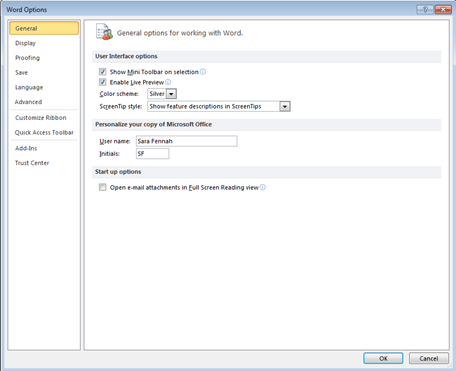
- Under General select your desired Color scheme
- Click OK
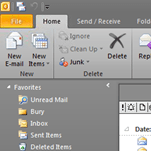
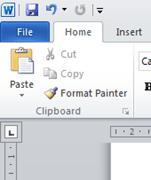
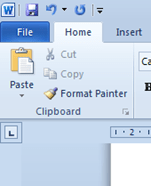
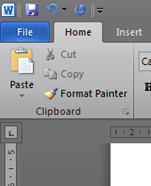
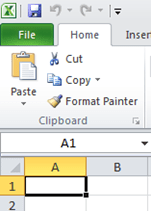
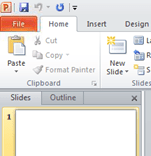
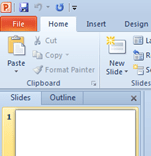
- The changes have been applied to each application. Examples are included overleaf.
The available choices:
|
Silver |
Blue |
Black |
|
|
Outlook |
|
|
|
|
Word |
|
|
|
|
Excel |
|
|
|
|
PowerPoint |
|
|
|





 Sara Fennah's Blog